

MSB Online
Banking for Wherever You Are
 Join 33,000+ customers who bank securely and seamlessly – anytime, anywhere.

MSB Online Mobile App
Your 24/7 Personal Digital Branch
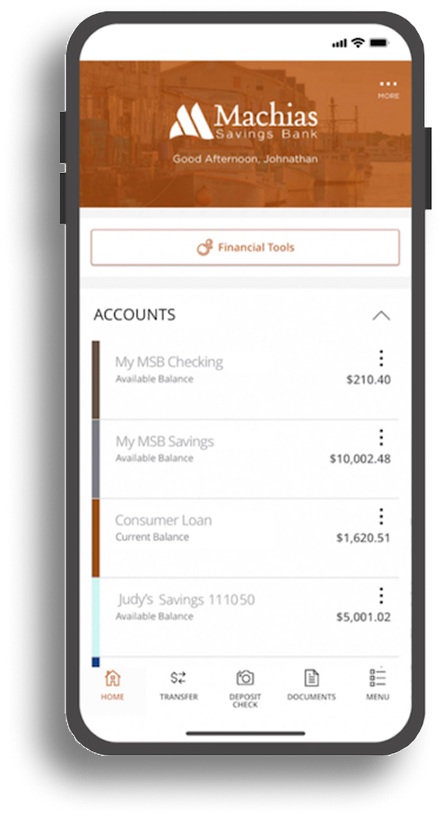
Enroll in MSB Online, then download the Mobile App to securely manage your money anytime, anywhere. From faster deposits to real-time account access, MSB Online gives you the flexibility to bank on your schedule—without needing to visit a branch.
With MSB Online and the Mobile App, you can:
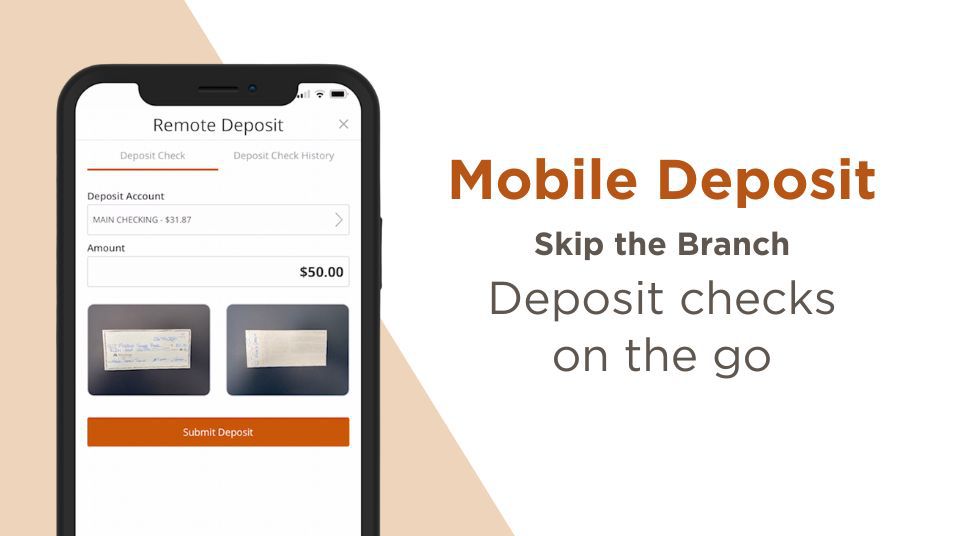
- Deposit checks faster with Mobile Deposit—securely deposit checks from your phone and access your funds without a branch visit.
- Check balances and account activity anytime with real-time access to your accounts, recent transactions, and payment history.
- Move money when you need it by making quick, secure transfers between your accounts.
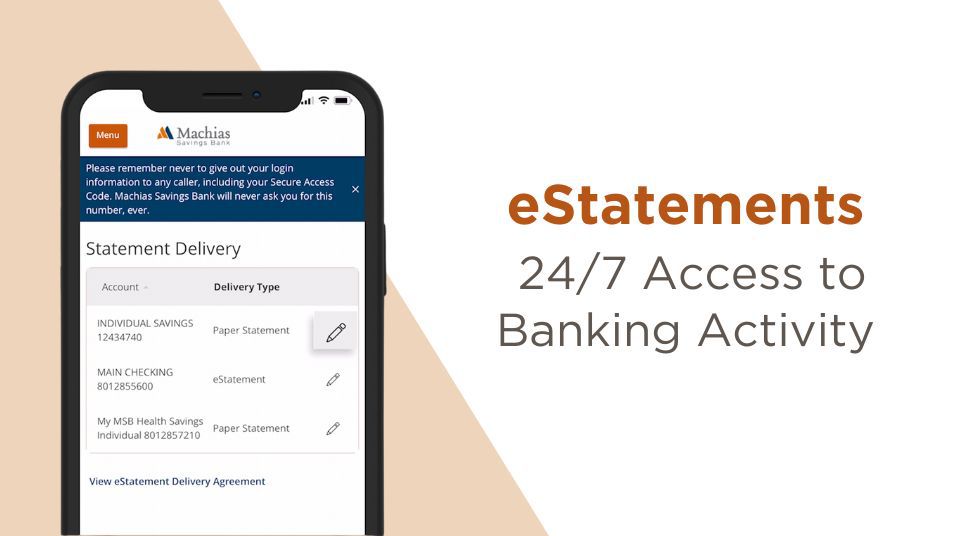
- Access online statements by enrolling in eStatements, receiving monthly notifications, and securely storing statements in MSB Online for easy reference.
- Pay securely on the go by adding your MSB Debit or Credit Card to your mobile wallet for convenient in-store and online purchases.
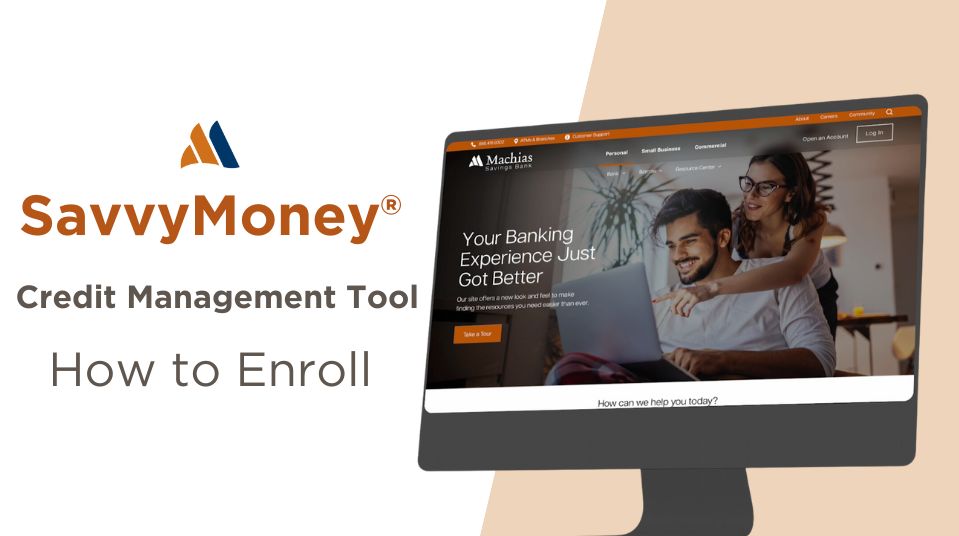
- See your full financial picture in one place with built in financial tools and SavvyMoney® credit monitoring, helping you track accounts, monitor credit, and stay informed.
Get started today by enrolling in MSB Online and downloading the Mobile App.
MSB Online Services

Alerts

Frequently Asked Questions
How do I enroll and sign up for MSB Online?
Our Internet Banking service, MSB Online, offers a secure access to your accounts when it is convenient for you. Once logged in, you can view your account balances, history, previous statements, transfer funds, make loan payments, and more. Be sure to use one of the following Browsers: Google Chrome, Mozilla Firefox, or Microsoft Edge. Does this convenient service interest you? Click here to sign up for Personal Banking or Business Banking.*Please note, you must be the primary owner of the account in order to complete the first time enrollment. The primary account holder can then set-up additional users after the initial account enrollment has been completed. If you need assistance, please reach out to our Customer Service Department at 1-866-416-9302 Monday through Friday from 8:00 a.m. – 5:00 p.m.
How do I download the MSB Online Mobile app?
You can download the MSB Mobile app by searching for Machias Savings Bank in the Apple App Store or Google Play Store, or by clicking the link below that matches your device.
Once downloaded, open the app and log in using your online banking credentials.
If you’re not already enrolled in MSB Online, you’ll need to enroll first before using the mobile app.
- Click here for the Apple App Store
- Click here for the Google Play Store
How do I change my MSB Online Password or Access ID?
To change your MSB Online Password or Access ID, you will need to log into MSB Online and click on Settings from the left-hand menu options. Next, click on Security Preferences and then choose Change Password or Change Login ID. Should you need any help with this process, please contact our Customer Service Department at 1-866-416-9302 Monday through Friday from 8:00 a.m. – 5:00 p.m.
Can I transfer money online from my MSB account to my account at another financial institution?
Yes, we offer External Account linking within MSB Online. Link your accounts at another financial institution by logging into MSB online and clicking on Services from the Menu. From there, click on Link External Account and enter the required information. Two “micro” deposits will be generated and sent to your external account for validation purposes. Once validated, you will be able to make transfers to and from your external account right in one convenient spot. Should you need any help with this process, please contact our Customer Service Department at 1-866-416-9302 Monday through Friday from 8:00 a.m. – 5:00 p.m.
Our Disclosures
- Text Banking: Data and Message Rates may apply. All Machias Savings Bank accounts are enabled/supported for Text Enrollment.
- Wire Fees: Online Domestic Wire Transfer – $15.00 Fee, Online International Wire Transfer – $50.00 Fee, Incoming wire fee $15
- See domestic and international wire instructions
- Third-party data charges may apply.
How-To Videos
Explore Our Banking Solutions

Voice ID
You’re one of a kind, and so is your voice. Similar to a fingerprint, Voice ID uses your voiceprint to verify you – so it’s easy, fast and secure.

Security Center
Keeping your banking information safe and secure is our top priority. Visit our security center for more information.

Need Help?
If you need assistance with your online and mobile banking, feel free to reach out to our customer support team.